

Travel & exploration
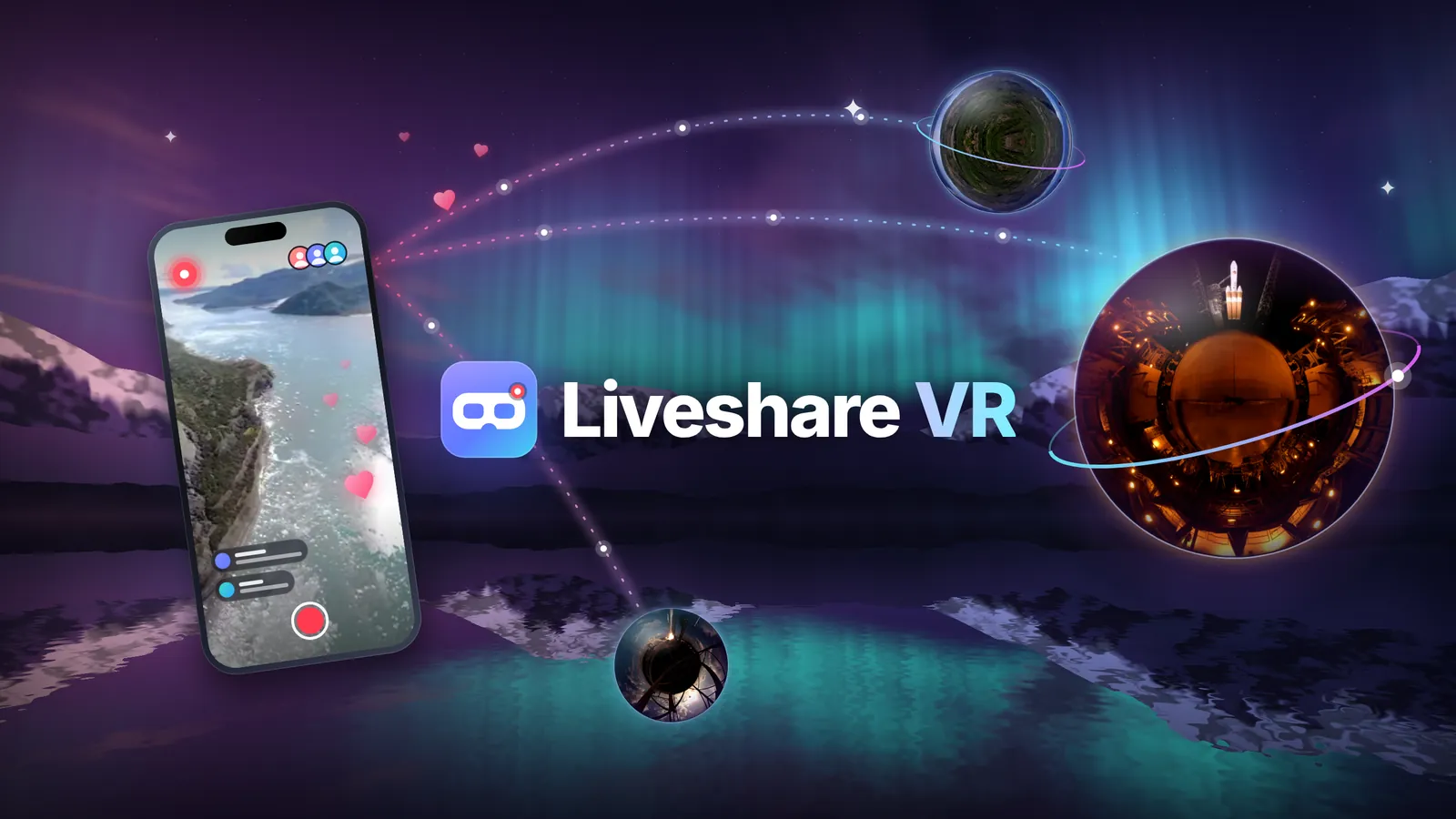
Go live from your phone and show someone the place you are discovering.
 Liveshare VR
Live and recorded experiences
Share live from your phone or 360° camera. Viewers join from a phone, computer or compatible VR headset with one link — no app to install.
How it works
Go live from your phone. Add a supported 360° camera when you want to share a full look-around view.
Open your phone browser, preview the camera and start sharing. A supported 360° camera is another option.
Send your session link or code. People join from a phone, computer or compatible headset.
Watch phone streams as a standard live view. Suitable 360° footage lets headset viewers look all around.
No 360° camera needed to start sharing.
A phone is enough to go live. A 360° camera adds immersive capture through a supported connection setup.
Viewing
Share from your phone for an everyday live view. Choose a supported 360° camera when you want viewers to look all around.
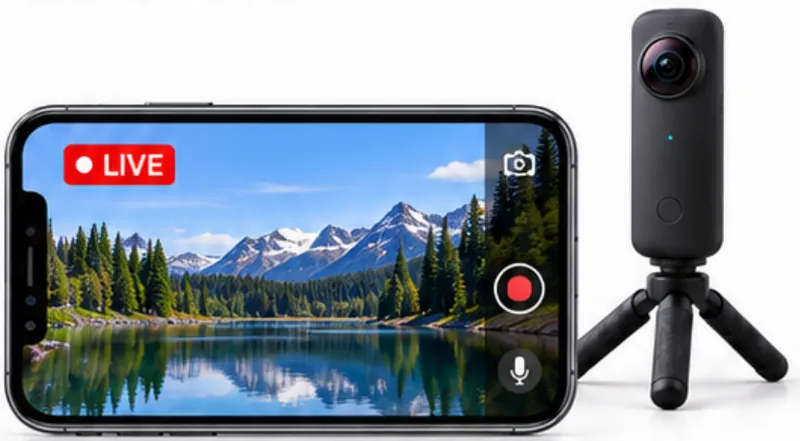
Start from your phone browser and share a live camera view. Viewers watch on a phone, computer or compatible headset.
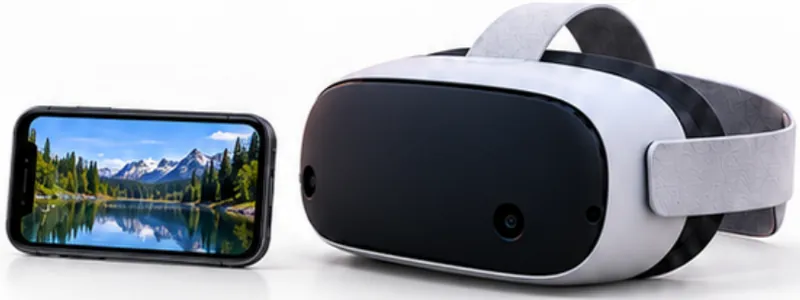
Use a supported 360° source — USB, RTMP or WHIP, including GoPro and OBS — for a full look-around scene.
The player
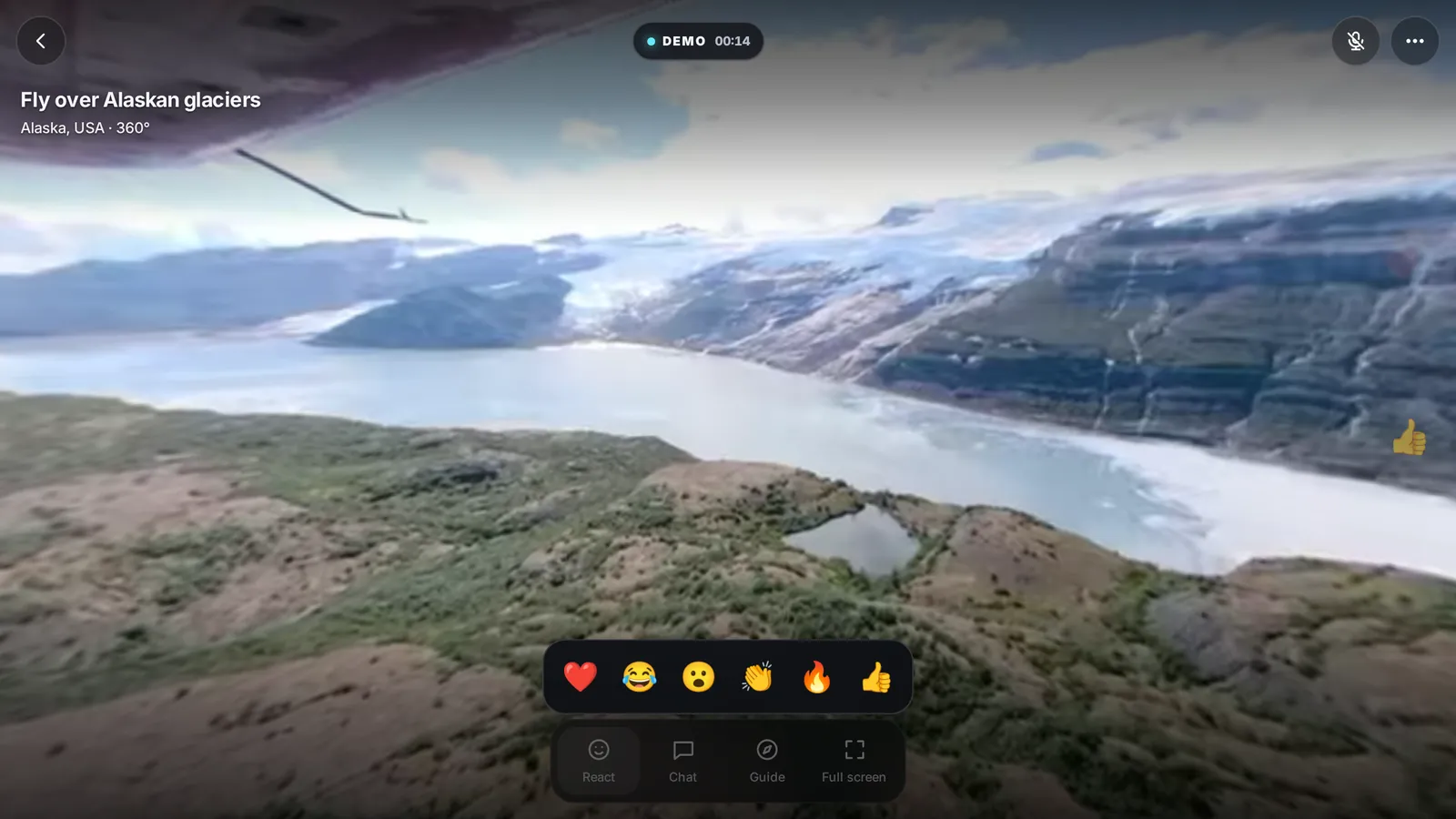
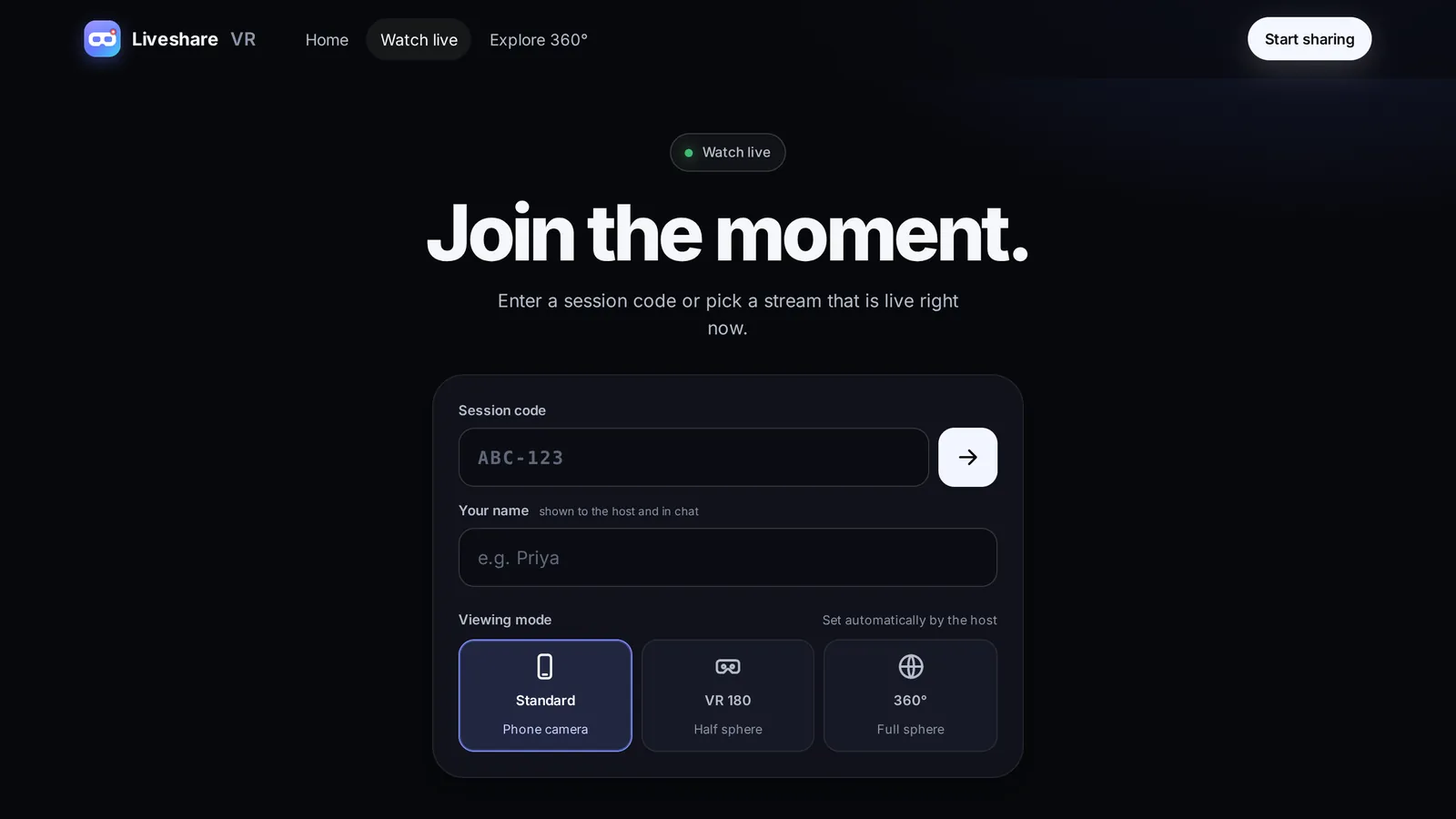
Viewers watch in standard, VR180 or full 360°, and can enter VR on a compatible headset. They react, chat, point to a spot on the host’s screen and nudge them to look left or right.
Live product
Explore
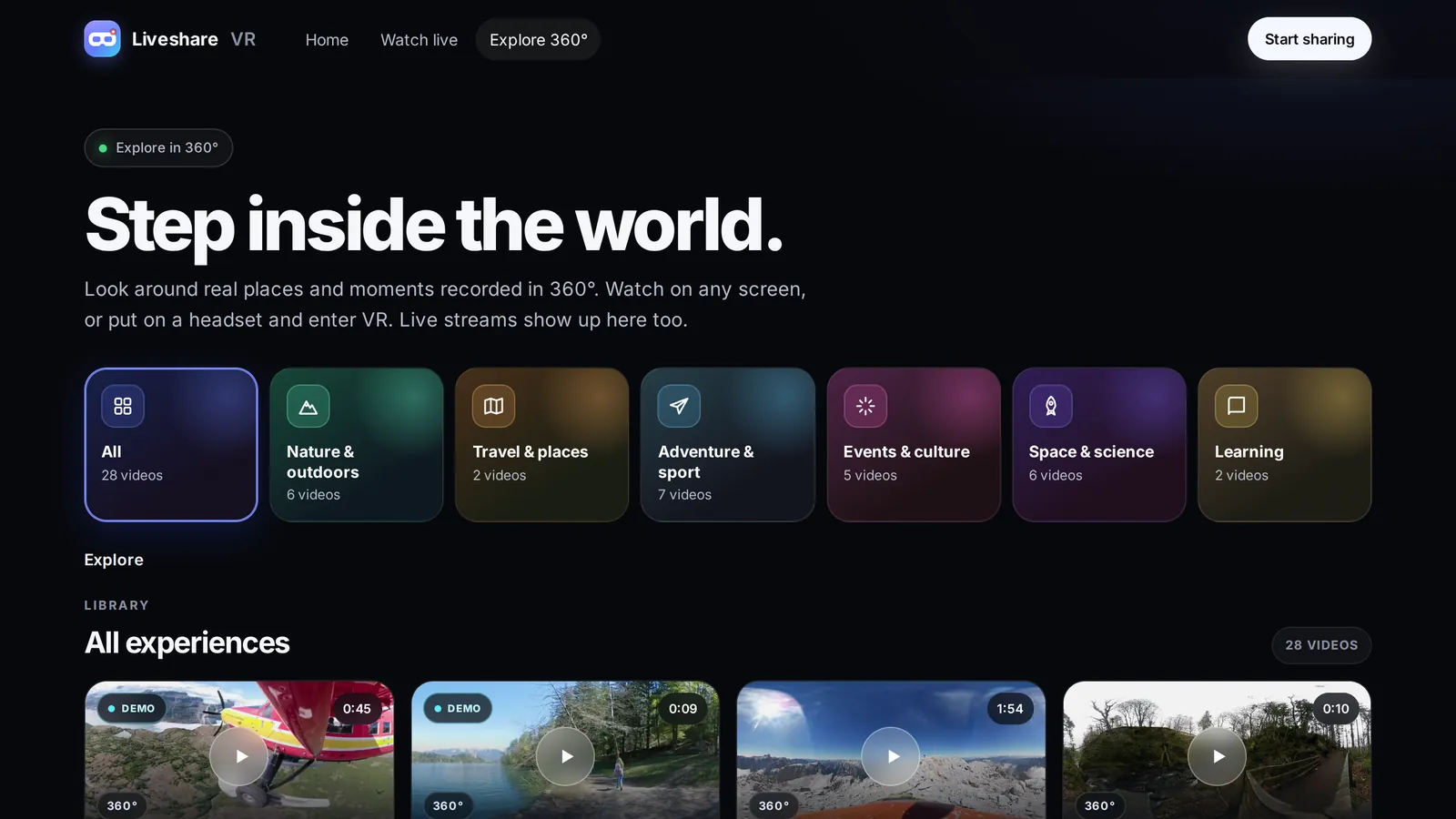
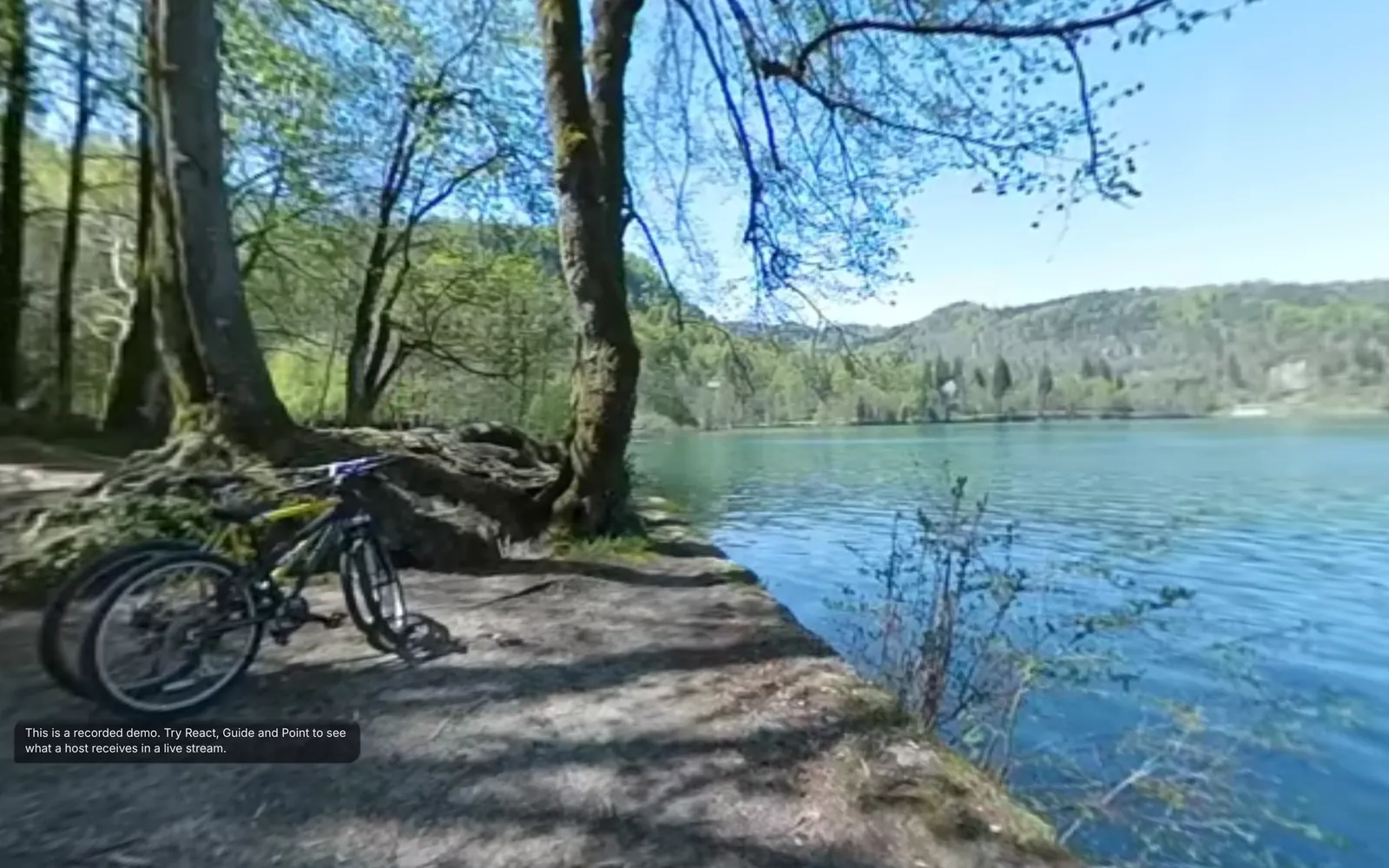
Browse recorded 360° experiences by category, then choose a scene to explore on a screen or in a headset. Live streams show up here too.
Live product
Going live
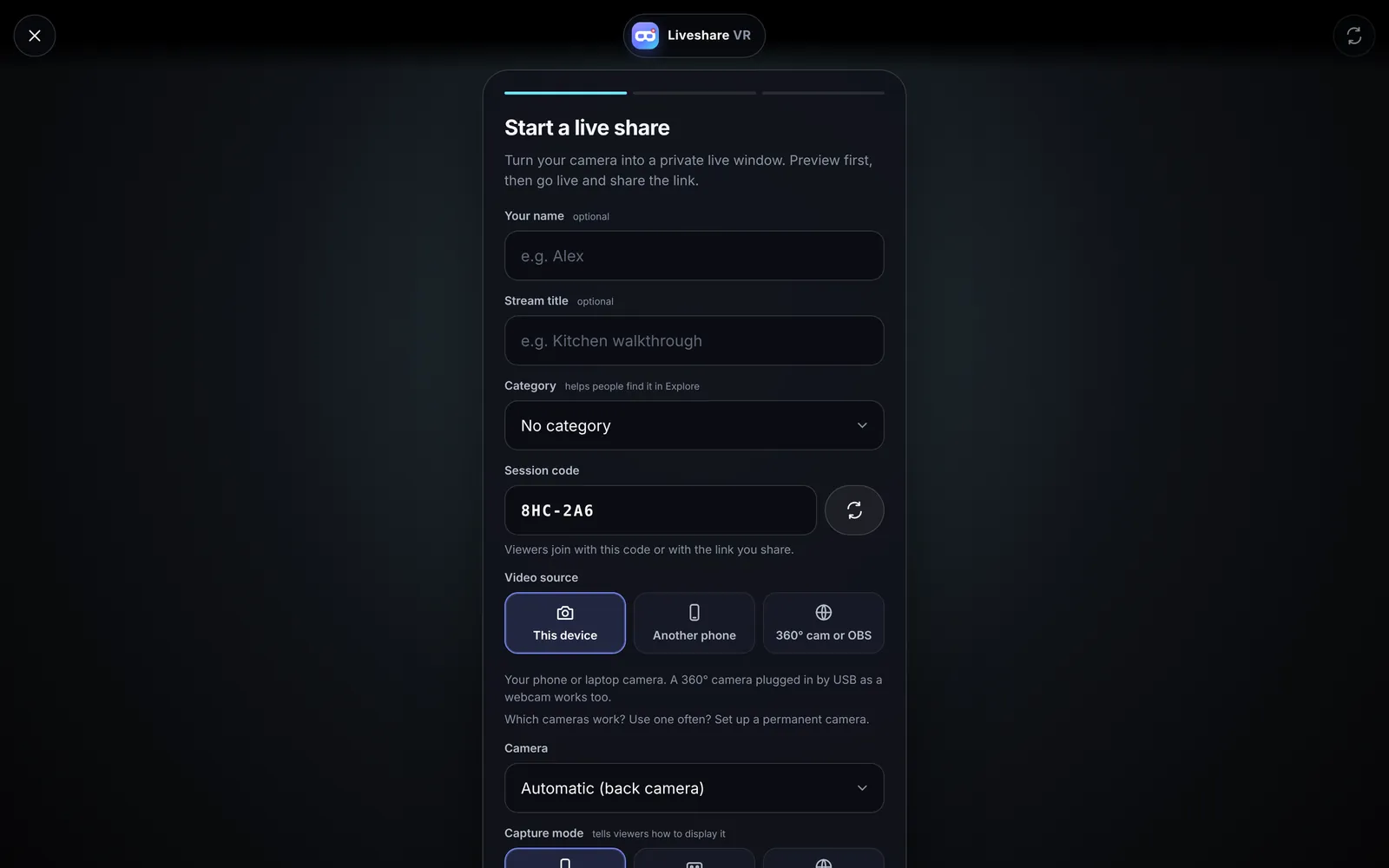
Name the stream, pick a source — this device, another phone by QR code, or a 360° camera and OBS — choose the capture mode and preview before you go live.
Live product
Sharing controls
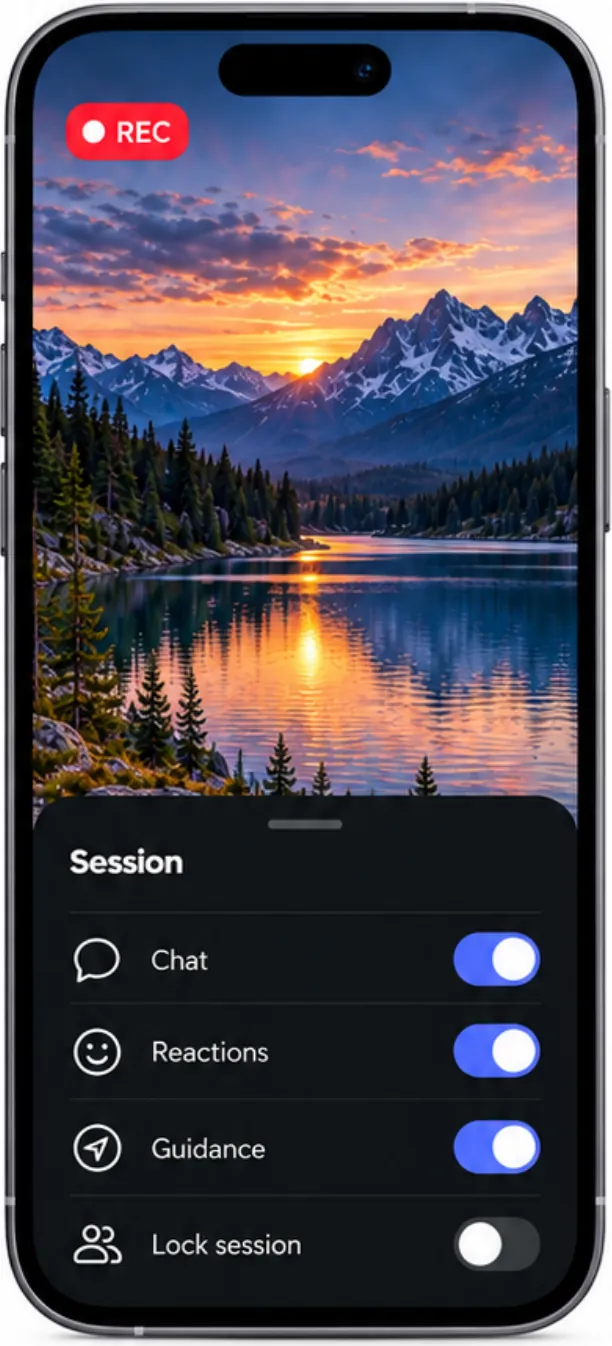
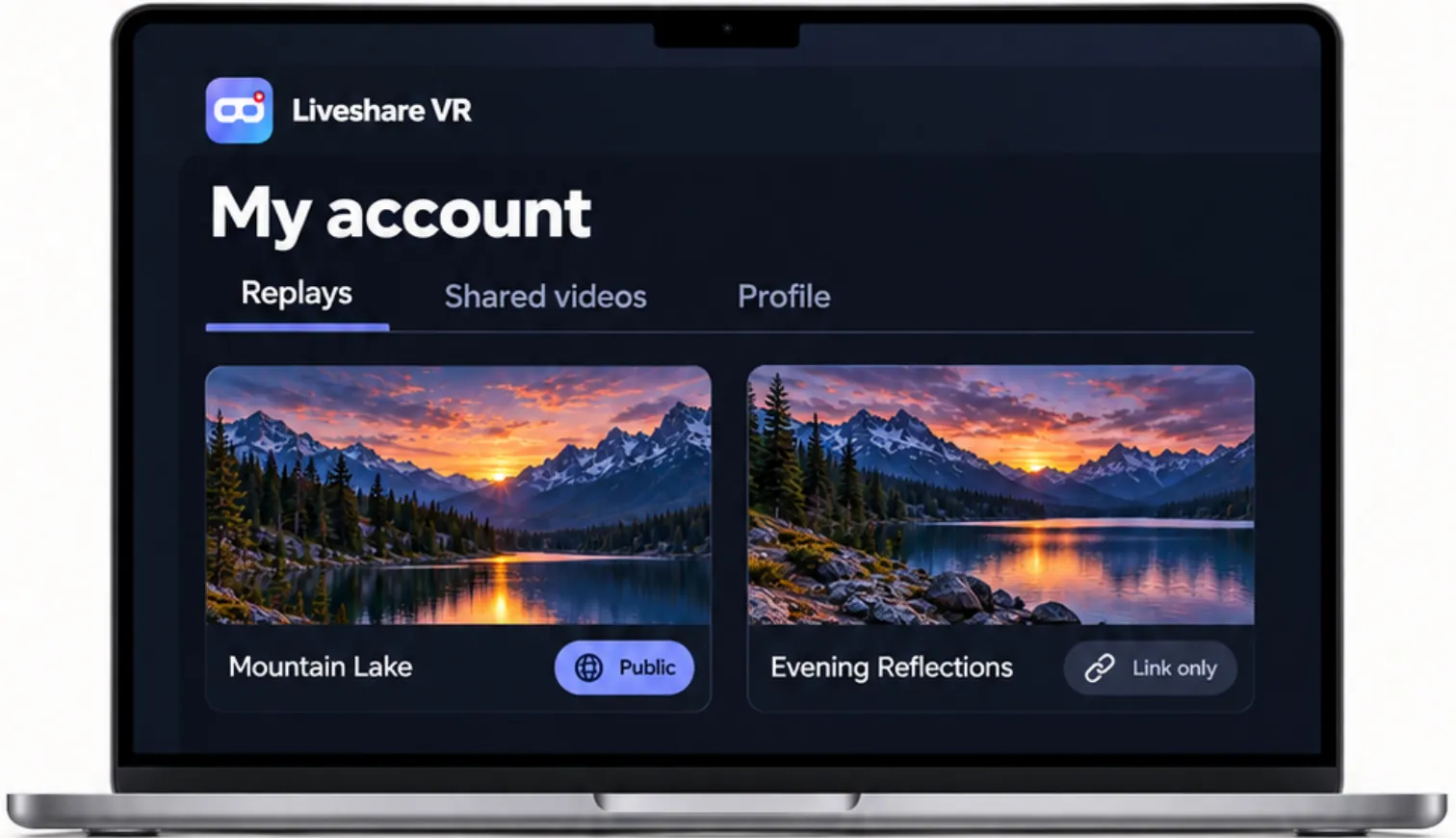
Choose how your session is shared and manage the interaction while you are live.
Illustrative interface
Use cases
Go live with your phone for everyday moments. Choose a supported 360° camera when you want to share the whole scene.
Go live from your phone and show someone the place you are discovering.
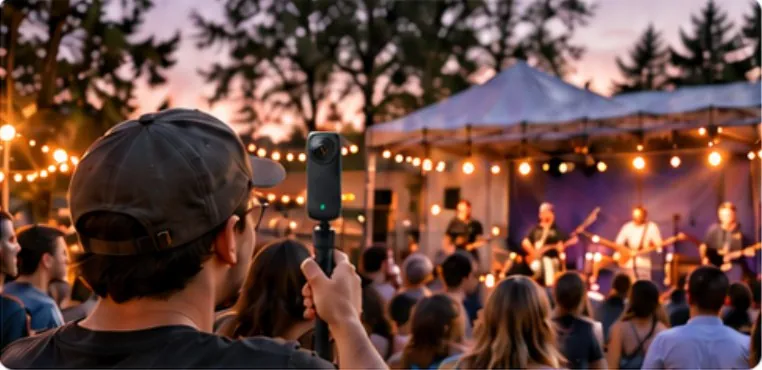
Use your phone, or a 360° camera for a full look-around view.
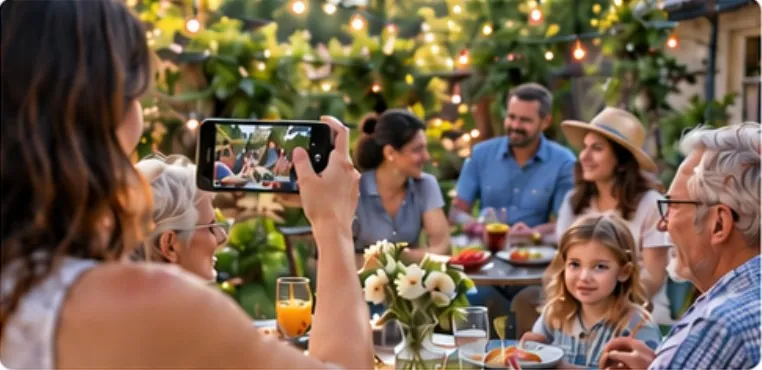
Share moments with people who cannot be there.
Show a property, site or piece of equipment.
Show the issue and guide the next step.
Demonstrate a process in real time.
Capabilities
Taken from the product as it runs in production today.
Screens
Trust
Anyone who receives a session link or code may be able to join. Share links thoughtfully.
For clients, partners and investors
Liveshare VR runs as a single, self-contained deployment — ready to launch under another brand for a specific audience.
A dedicated instance with your name, domain and legal pages.
Property and site inspections, tourism, events, training and remote assistance.
Fixed 360° cameras streaming over RTMP or WHIP for venues and sites.
Packaged for the Meta Quest store as an installable web app.
Use it
Subscribe and get started on the hosted product.
Partner or white-label
Offer it to your clients or launch it under your brand in your market.
Invest
Talk to us about traction, roadmap and growth plans.
Talk to us about Liveshare VR
Tell us whether you want to use it, partner, white-label or invest. We reply within one business day.
Share a live view, explore a recorded 360° experience, or talk to us about a branded deployment for your audience.
Next product
 Clario
Business email, made friendly